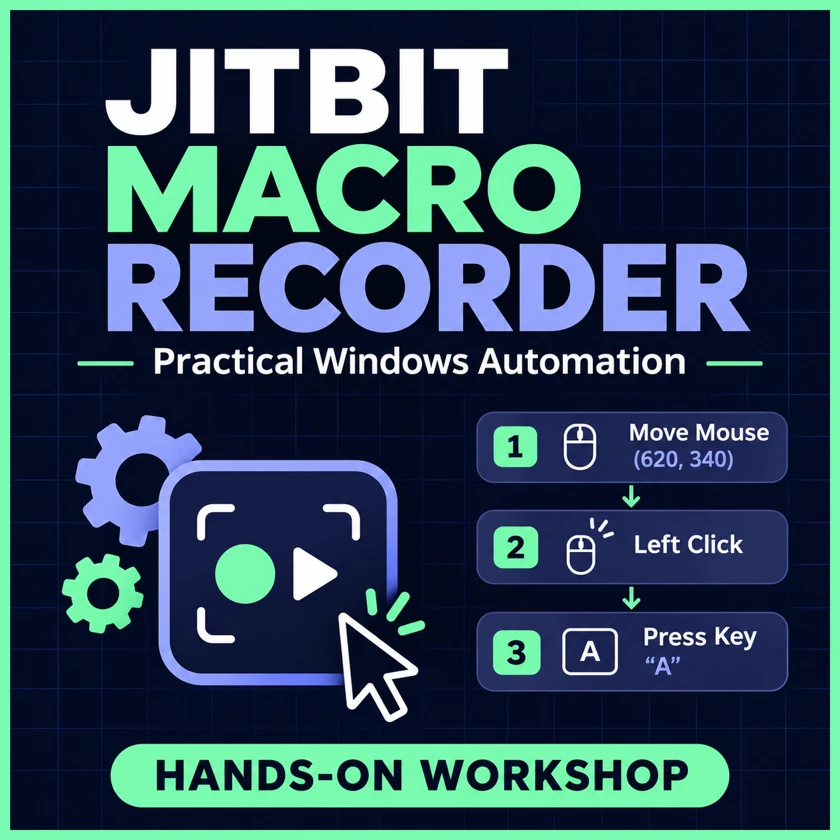
From first capture to guarded batch
Find a lab
36 labs
01 Set up a scratch workspace
Separate the recorder, input files, and generated output so a mistake cannot change your real documents. Confirm your version and edition before choosing advanced exercises.
Record and replay · Pages 9–1602 Record a first macro in Notepad
Capture a short keyboard sequence, then identify where recording begins and ends. Use Notepad as a harmless target for the first replay.
Record and replay · Pages 17–2403 Read the editor as an event timeline
Learn how keyboard events, pointer events, and recorded delays work together. Follow a chord across multiple rows before making changes.
Record and replay · Pages 25–3204 Save, reopen, and version an MCR
Build a recovery habit around editable .mcr files. Make it easy to find the last verified run and undo a mistaken edit.
Record and replay · Pages 33–4005 Choose keyboard or mouse recording
Reduce clutter at capture time by recording only the event types that carry your intent.
Record and replay · Pages 41–4806 Capture deliberate clicks
Understand why coordinate clicks depend on the screen state. Rehearse on two labelled buttons with visible counters.
Record and replay · Pages 49–5607 Calibrate SmartRec and display state
Compare screen coordinates with window-relative recording. Understand which layout changes still invalidate a relative click.
Record and replay · Pages 57–6408 Play, pause, resume, and stop safely
Know the difference between pausing a run and aborting it. Practise recovery with delays before your first multi-step automation.
Record and replay · Pages 65–7209 Measure playback speed and repeat settings
Separate recorder-wide playback settings from timing embedded in an MCR. Verify one pass before adjusting speed.
Record and replay · Pages 73–8010 Insert and edit commands
Turn a raw recording into a readable sequence. Use the Insert toolbar or context menu for custom commands.
Edit, time and target · Pages 81–8811 Trim noise without breaking gestures
Remove unnecessary movement and delays while preserving complete clicks and keyboard chords.
Edit, time and target · Pages 89–9612 Drive the active editor with shortcuts
Choose keyboard navigation when the target exposes predictable shortcuts. Use focus checks to prevent input going to the wrong control.
Edit, time and target · Pages 97–10413 Enter literal text and multi-line blocks
Use Type Text for known content and recorded keys for actions such as shortcuts. Inspect line boundaries after replay.
Edit, time and target · Pages 105–11214 Calibrate an explicit delay
Make a timed dependency visible in the macro. Use milliseconds and distinguish a pause from an actual readiness check.
Edit, time and target · Pages 113–12015 Open a local file and a known URL
Use File Open for an existing fixture and URL for a known public reference. Keep launch and subsequent input in separate steps.
Edit, time and target · Pages 121–12816 Wait for a window or process
Pause at a meaningful application transition and plan an explicit operator abort if the target never appears.
Edit, time and target · Pages 129–13617 Switch and guard focus
Use Switch To Window for intent and If Window In Focus for evidence before typing. Use distinct window titles in the lab.
Edit, time and target · Pages 137–14418 Manage window layout and cleanup
Use Move Window only after checking the target title. Restore your desktop without closing other documents.
Edit, time and target · Pages 145–15219 Write a guarded IF block
Make an action depend on an observable condition. Compare true and false cases before putting a real action inside the block.
Branch, repeat and detect · Pages 153–16020 Copy files without overwriting results
Use nested checks and a forward jump to protect an output path. Keep the only writes inside the scratch folder.
Branch, repeat and detect · Pages 161–16821 Use Repeat for a finite batch
Give a repeated sequence a visible count and a clear boundary. Use a local counter to detect extra runs.
Branch, repeat and detect · Pages 169–17622 Run a special step on one iteration
Use If Current Iteration Equals inside Repeat to distinguish regular work from a special pass.
Branch, repeat and detect · Pages 177–18423 Check clipboard state before acting
Use explicit clipboard content and equality checks for harmless test tokens. Understand that the clipboard is shared desktop state.
Branch, repeat and detect · Pages 185–19224 Maintain a scratch numeric counter
Use Set Clipboard and Increment Clipboard to make a simple numeric state visible. Prove that each run resets its own initial value.
Branch, repeat and detect · Pages 193–20025 Detect an image and separate the click
Practise visual matching with a distinctive static cue. Separate the presence check, pointer move, and any click into distinct tests.
Branch, repeat and detect · Pages 201–20826 Compare fixed-point and search-based pixels
Understand the difference between checking a pixel at one coordinate and looking for a color across the screen.
Branch, repeat and detect · Pages 209–21627 Use labels and forward jumps
Skip a block after a failed precondition. Keep control flow readable by using a distinct label and avoiding a backward jump.
Branch, repeat and detect · Pages 217–22428 Split work into parent and child macros
Build and verify a reusable child before calling it. Keep paths and focus requirements explicit.
Launch, troubleshoot and deliver · Pages 225–23229 Put the operator in control
Use a visible message or a deliberate resume hotkey where the next step needs a human review.
Launch, troubleshoot and deliver · Pages 233–24030 Assign a launcher hotkey safely
Use the Hotkey Macro Launcher for a deliberate shortcut, and check for conflicting global registrations.
Launch, troubleshoot and deliver · Pages 241–24831 Type dates and environment values
Insert a date and a known non-secret environment value into a scratch document. Verify the literal output in the current session.
Launch, troubleshoot and deliver · Pages 249–25632 Launch from the command line and schedule
Distinguish opening an MCR from playing it. Schedule a disposable test only in an approved interactive Windows session. Scheduling requires an eligible edition.
Launch, troubleshoot and deliver · Pages 257–26433 Compile and test a distributable EXE
Understand which behavior belongs to the macro and which belongs to the editor/player. Compilation requires a qualifying edition.
Launch, troubleshoot and deliver · Pages 265–27234 Triage focus, timing, display, and session
Locate the first wrong observable state, then change one cause at a time. Use three short independent diagnostics.
Launch, troubleshoot and deliver · Pages 273–28035 Build a regression matrix and handoff
Use positive, negative, and interrupted runs to decide whether a macro is ready for another operator.
Launch, troubleshoot and deliver · Pages 281–28836 Assemble the guarded report capstone
Combine a file guard, a bounded counter, and an independently verified copy. Use the worked trace at the back of the book.
Launch, troubleshoot and deliver · Pages 289–296
Look inside
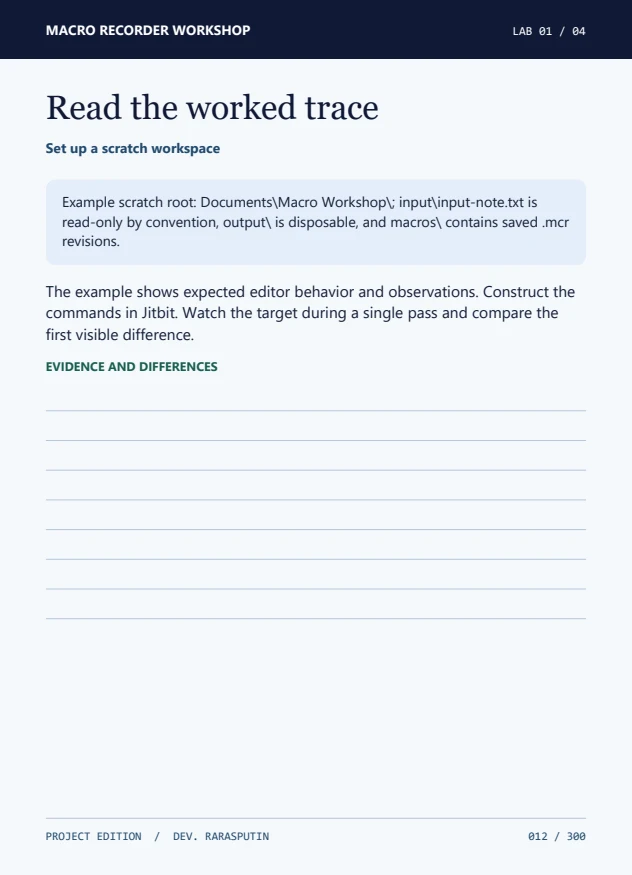
See an actual workbook page
Read the setup and complete first lab in the 10-page excerpt. Use the local practice page to rehearse clicks and visual checks against a disposable target.
Ebook and practice kit
Get the complete workshop
The PDF and ZIP include the bookmarked book, 36 editor recipes, scratch fixtures, a run log, and a worked capstone.
Gumroad listing pending · $5 USD
Independent publication. Obtain Jitbit Macro Recorder separately. Some advanced exercises require Pro or Premium.